System audio, translated live into floating subtitles
Real-time speech translation for macOS. Any sound your apps play becomes bilingual subtitles, automatically.
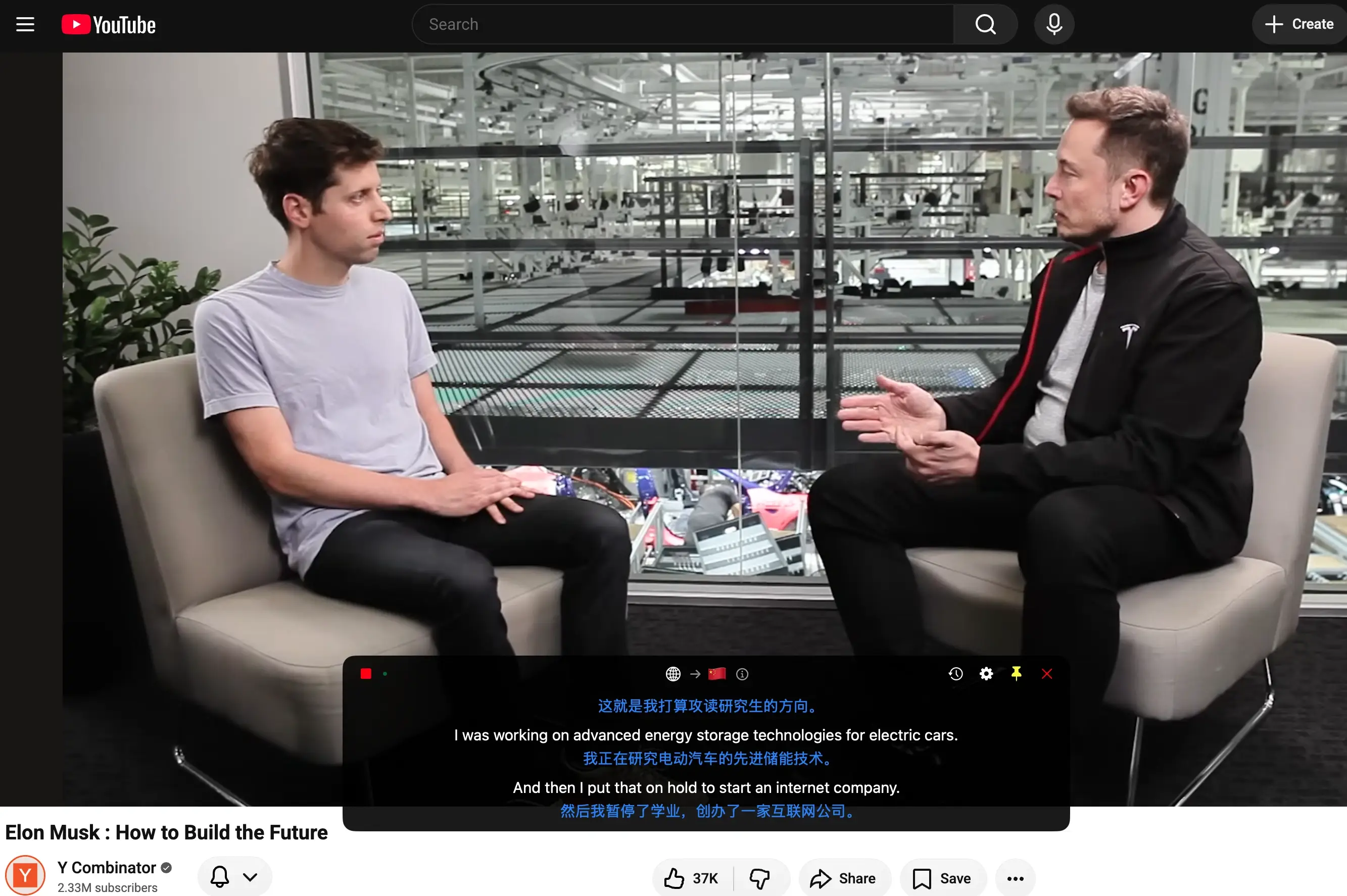
Real-time speech translation for macOS. Any sound your apps play becomes bilingual subtitles, automatically.
No complex setup — works out of the box. Captures system audio, streams live transcription and translation, and floats subtitles on screen.
FlowTrans listens to your Mac's system sound directly. Browsers, meeting apps, players — if the system plays it, it gets translated in real time.
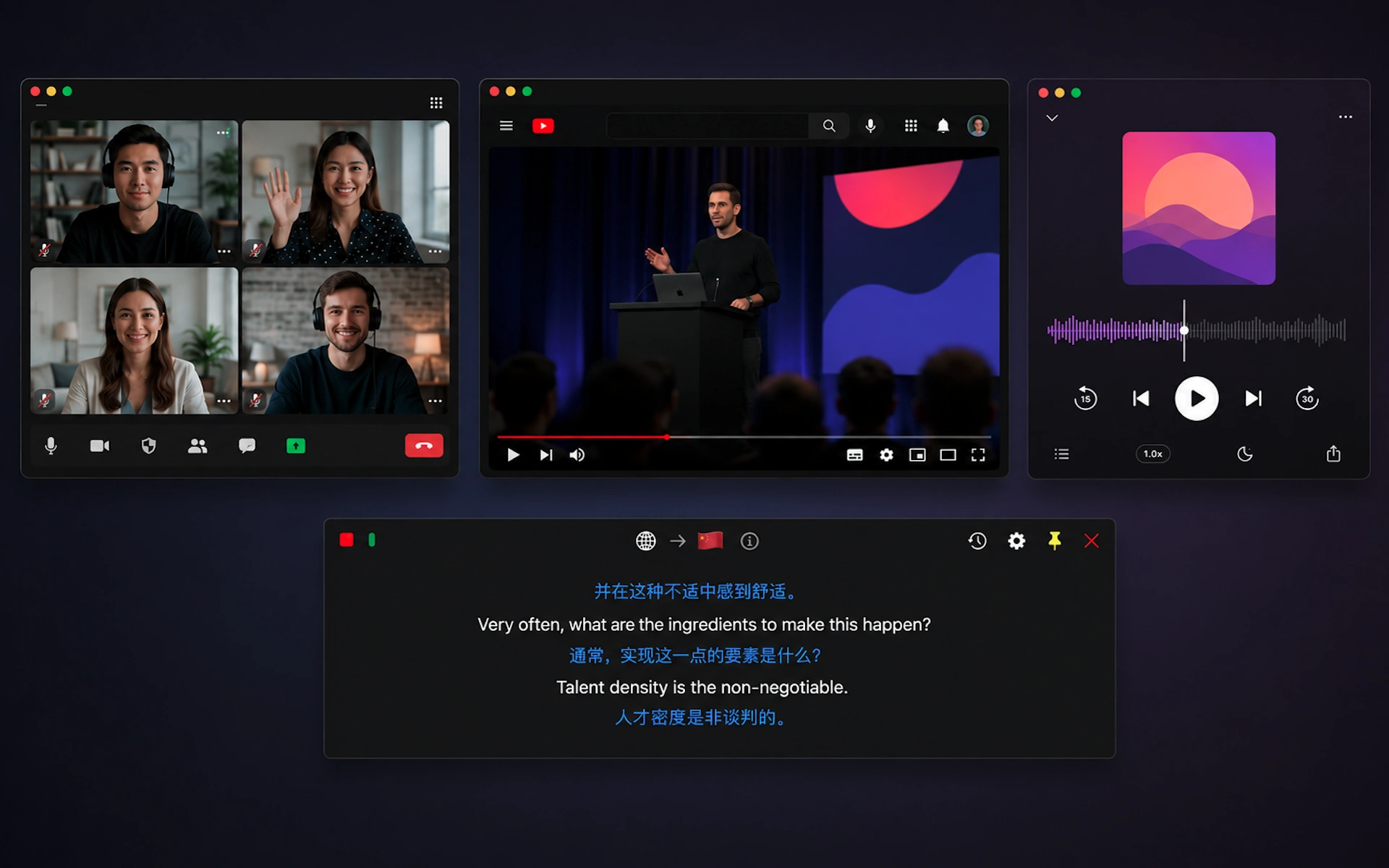
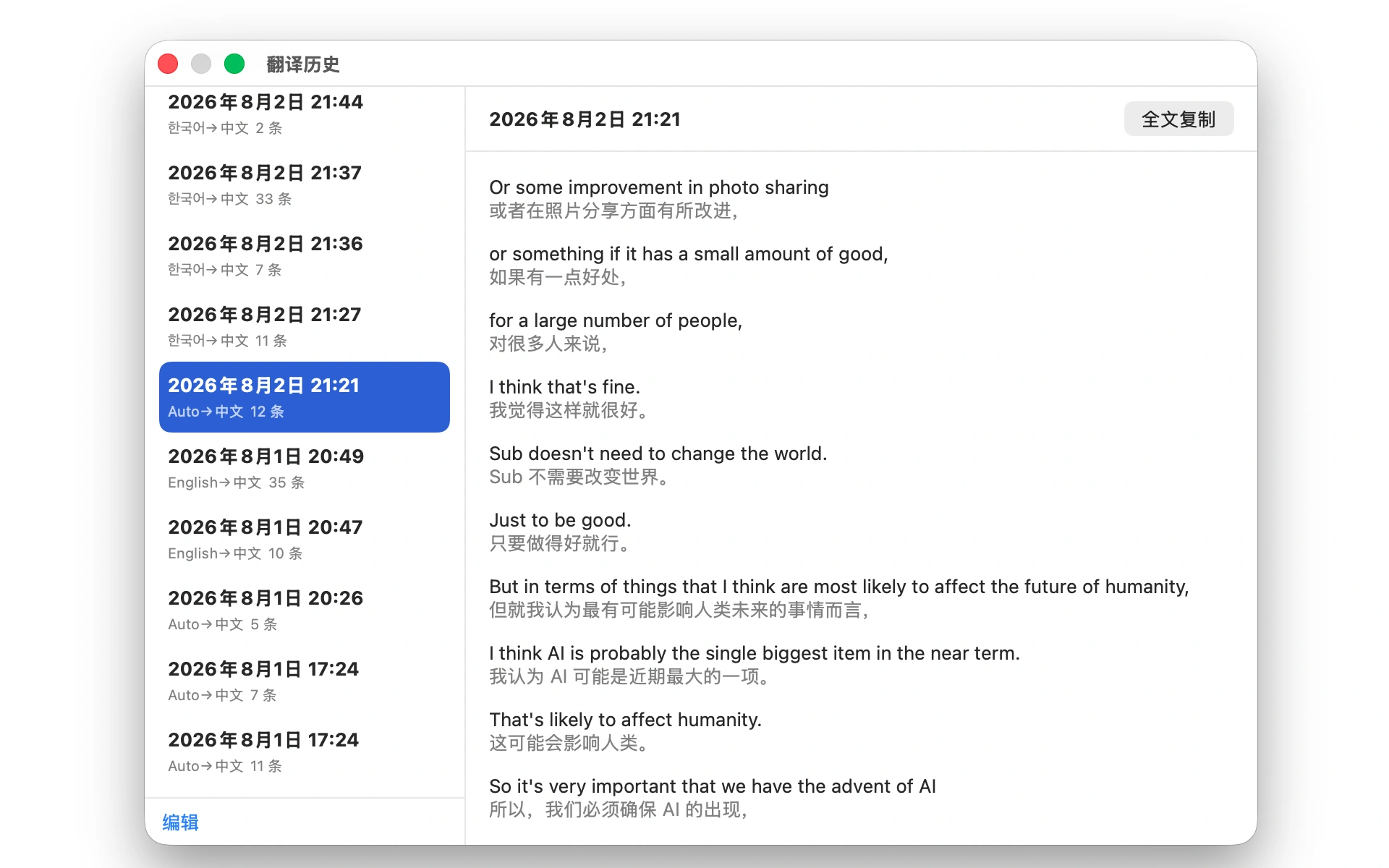
Original and translated text scroll side by side. The always-on-top floating window never covers your content.

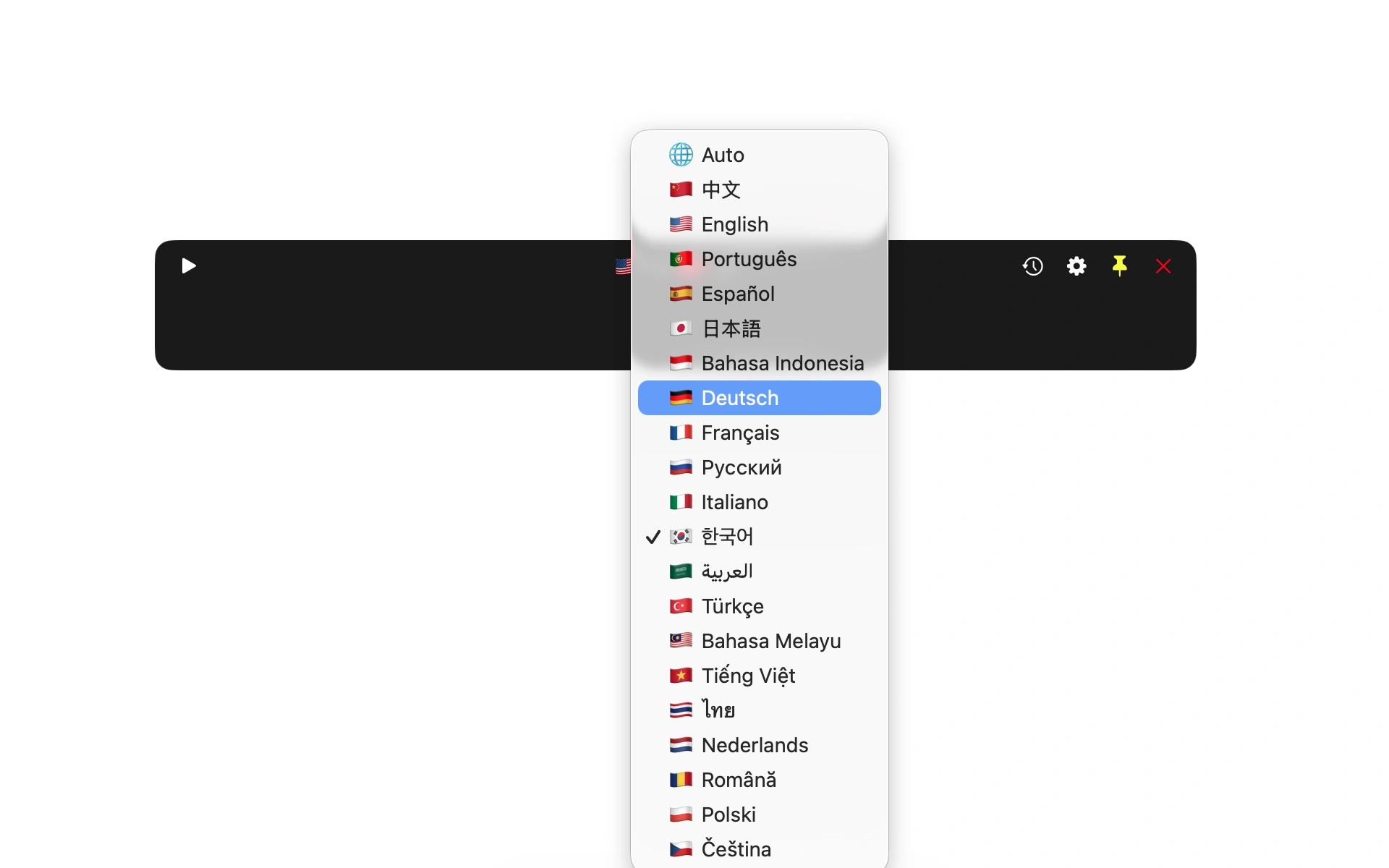
Chinese, English, Japanese, Korean, French, German, Spanish, Russian, Arabic and more. Source language is auto-detected — no manual switching.
Every translation is saved automatically. Review, copy, or export anytime — pair it with notes or AI summaries to turn what you hear into knowledge.
Download FlowTrans and grant system audio recording permission on first launch.
Choose source and target languages in the toolbar — 20+ language pairs supported.
Hit the play button and subtitles appear live in the floating window.
Understand supplier videos and product docs; talk to clients across languages without missing a beat
Coursera and YouTube tutorials with live bilingual subtitles
Zoom / Teams calls across languages — live subtitles keep up with every sentence
Foreign-language podcasts and audiobooks with side-by-side bilingual text
Tech keynotes, game streams, and overseas events — understand them as they happen
Original-audio movies, series, and overseas news — watch and research at once
All features included. Top up minutes as you go.
Payment via Ko-fi (PayPal) · minutes are credited within 24 hours
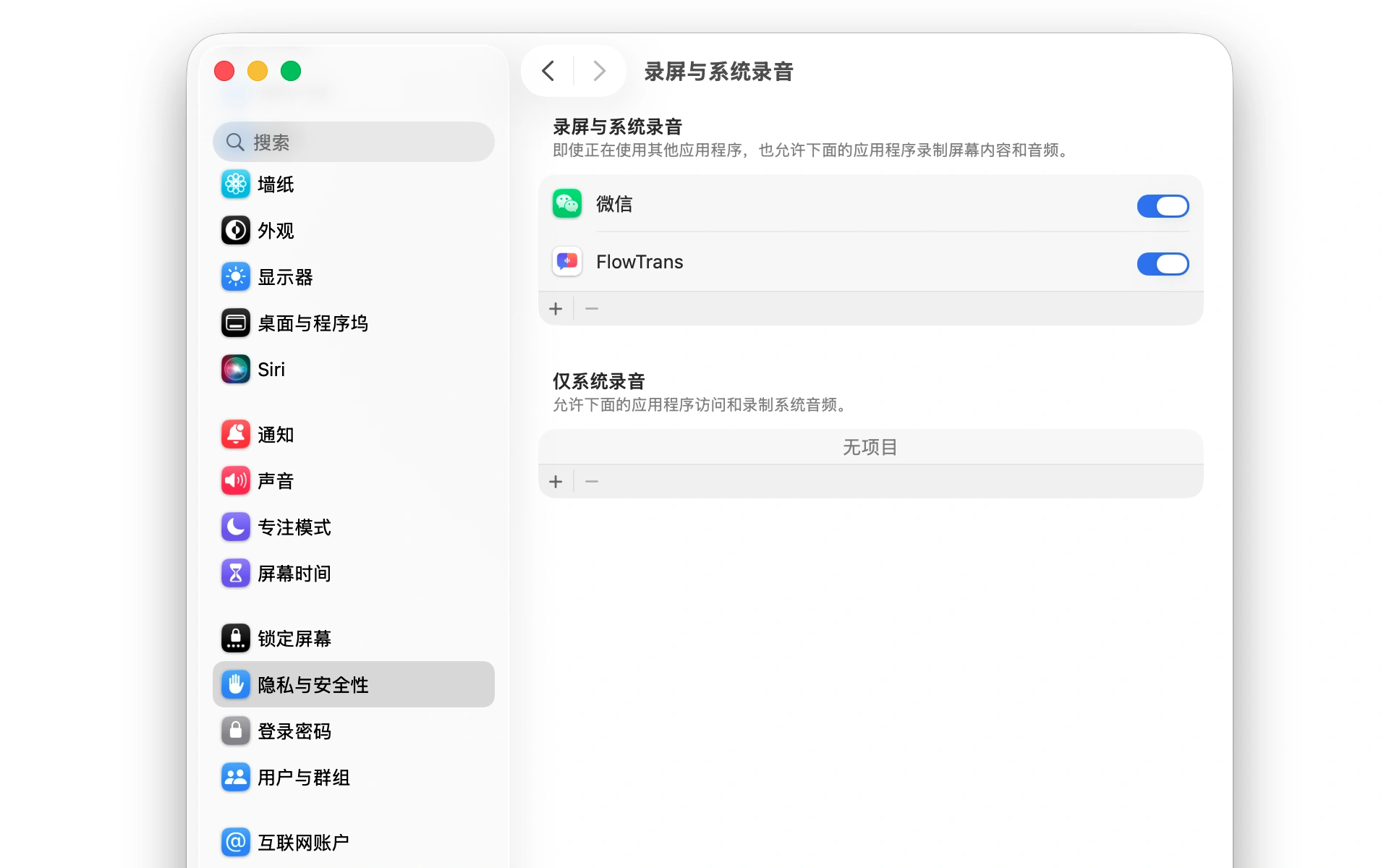
FlowTrans needs the "Screen & System Audio Recording" permission to capture system audio. A setup guide appears on first launch — just follow the prompts in System Settings.
 🔍 Click to zoom
macOS 14.0 Sonoma and later.
FlowTrans processes audio in real-time streams. Audio is only transmitted transiently during translation and original audio files are never stored. Data is released as soon as translation completes.
You get 30 free minutes on sign-up. After that, buy a minute pack anytime on your account page — minutes are credited within 24 hours after payment.
Scan the WeChat QR code below to complete payment and activate your account